

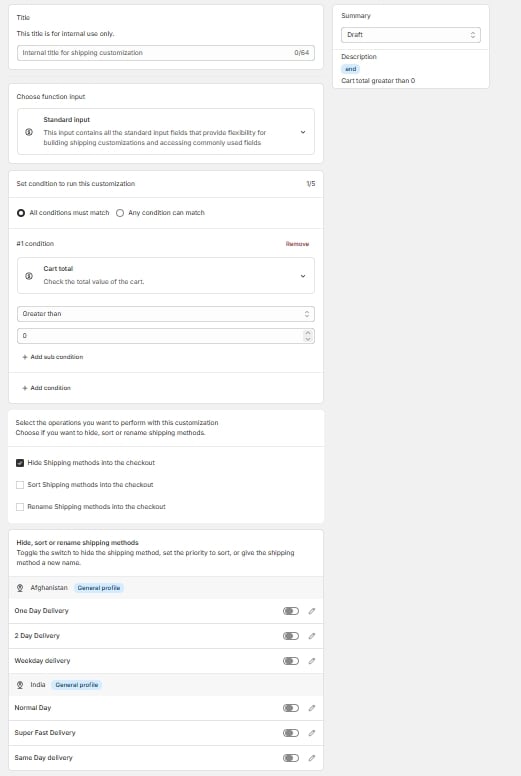
Advanced editor, full page
Match mode
Add your conditions with Add condition, then choose how they combine:- AND: every condition must be true.
- OR: at least one condition must be true.
2/5) shows how many you’ve used. Each condition can hold several sub-conditions that test the same field more than once, which is how you express a range. Use Add sub condition to add one.
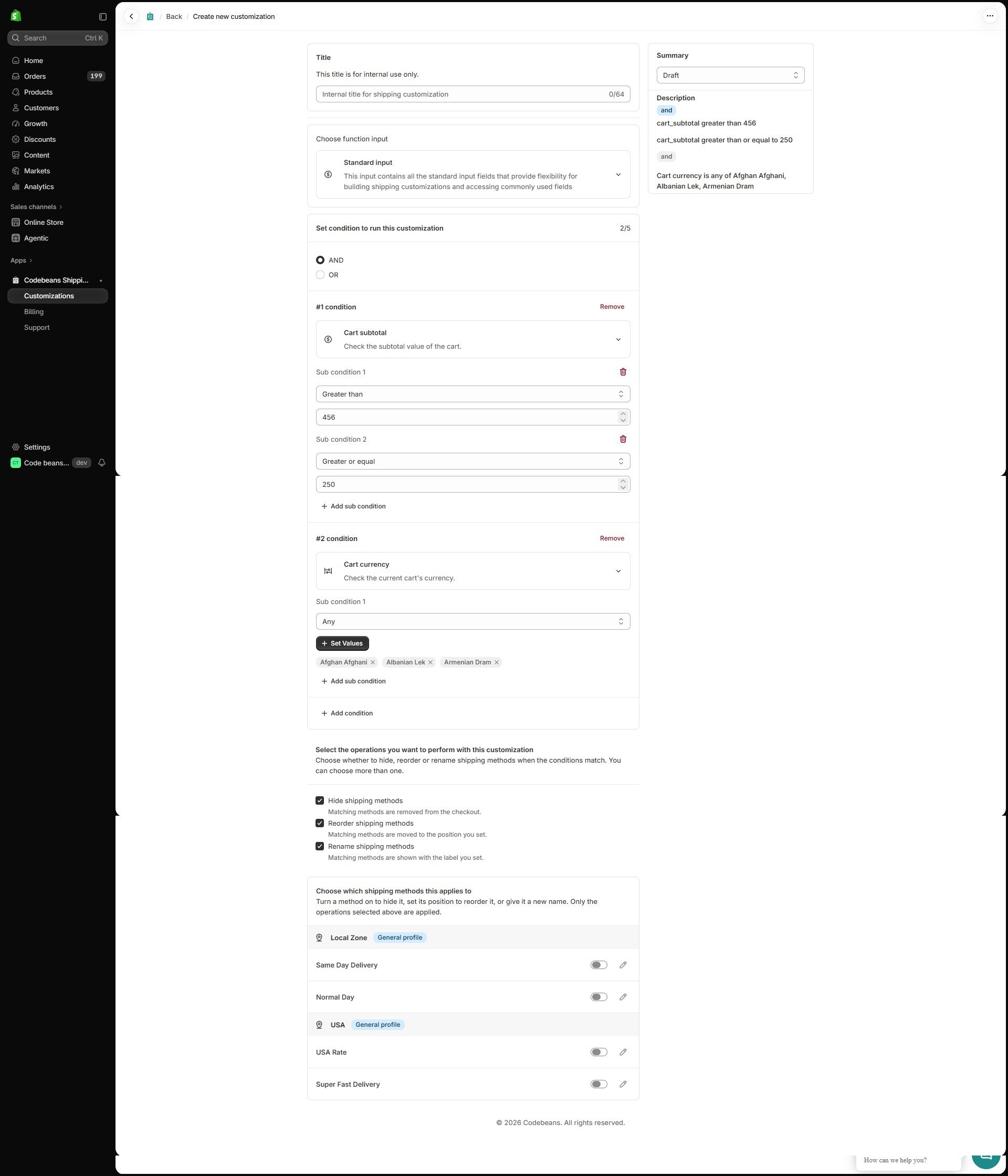
Two conditions combined with AND: a cart subtotal range (two sub-conditions) and a cart currency list
Actions and status
As with Simple rules, you can hide, reorder, and rename in the same rule — all three can be ticked at once.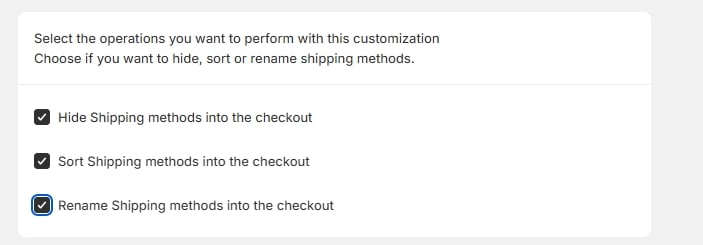
Hide / Reorder / Rename — all three ticked
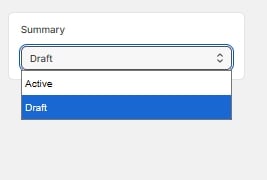
Status dropdown open — Active / Draft
Summary
The summary panel translates the conditions and actions into a plain-English description, so you can double-check the logic before saving.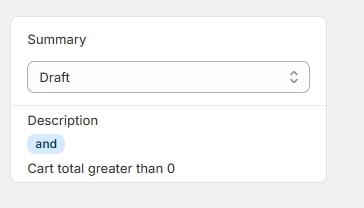
Summary panel with plain-English description