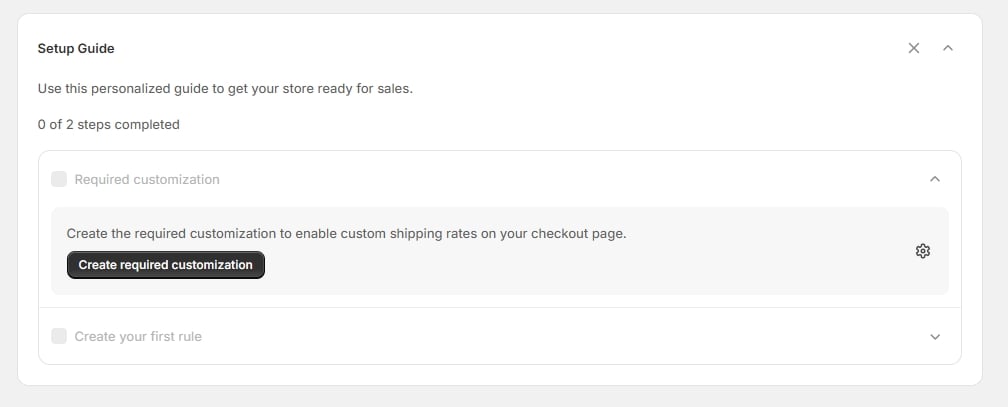
After you install Codebeans Shipping Rules Pro from the Shopify App Store, you land on the Home page with a setup guide that walks you through getting your first rule live.
The Setup Guide on the Home page

The Setup Guide on the Home page

The setup guide tracks two steps, and shows how many you’ve completed:
1

Required customization

“Create the required customization to enable custom shipping rates on your checkout page.” The Create required customization button opens the rule-type picker. See Choosing a rule type.
2

Create your first rule

“Create your first shipping customization rule to customize checkout rates.” The Create rule button takes you to the customizations list. This step ticks once you have a rule that’s actually enabled — saving a rule and leaving it switched off won’t complete it.
Each step expands to show its description and button; the guide opens the first incomplete step for you.

Hiding and restoring the guide

Use Hide setup guide on the promo card at the top of the page to collapse it, or the ✕ on the guide itself to dismiss it. Once dismissed, the same button reads Show setup guide and brings it back whenever you need it.

Choosing a plan

Plans aren’t part of the setup guide — they’re chosen in the Shopify admin through the Billing link in the app’s navigation. What your plan unlocks, and what happens if you change it, is covered in Choosing a plan.