Customer Tag rules target shipping methods based on tags applied to the customer — useful for segments like VIP, wholesale, or local-pickup-only. Shipping organizers require the Basic plan — see Choosing a plan. When you create a customer-based rule, you’ll first choose whether to organize by tag or by company:
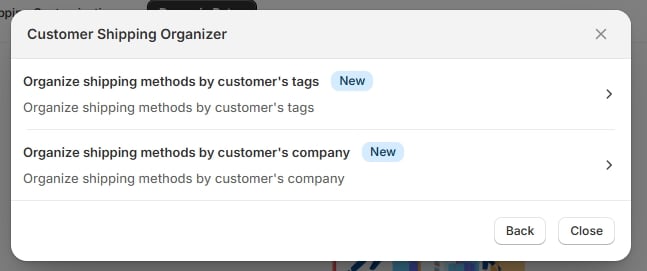
Customer organizer — by tags / by company
Customer organizer — by tags / by company

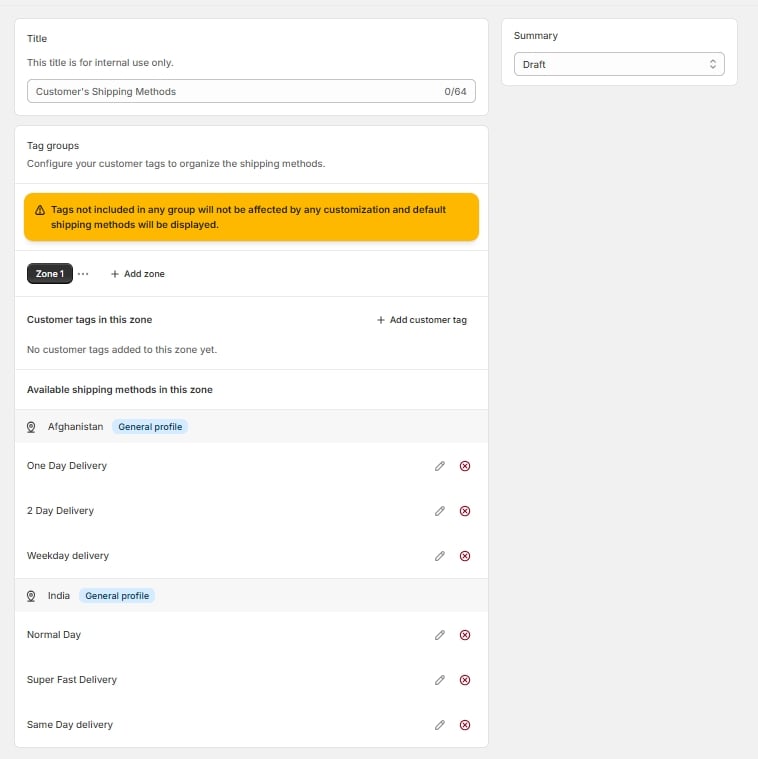
Choosing by tags opens the tag mapper.
Tag mapper, full page

Tag mapper, full page

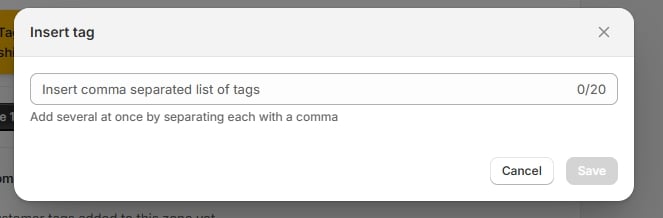
Use Insert tag to add the customer tag this group should match — tags must match exactly what’s applied to the customer record in Shopify.
Insert tag modal

Insert tag modal

Once your tag groups are set up, apply hide/reorder/rename actions the same way as in the Simple or Advanced editors.
Reading customer tags requires Protected Customer Data access to be approved for this app in your Partner Dashboard. Without it, tag-based rules won’t be able to match customers at checkout.