

Empty state
Before you create a rule, the tab shows an empty state: “Create your first Shipping Customization”, with a Create Customization button.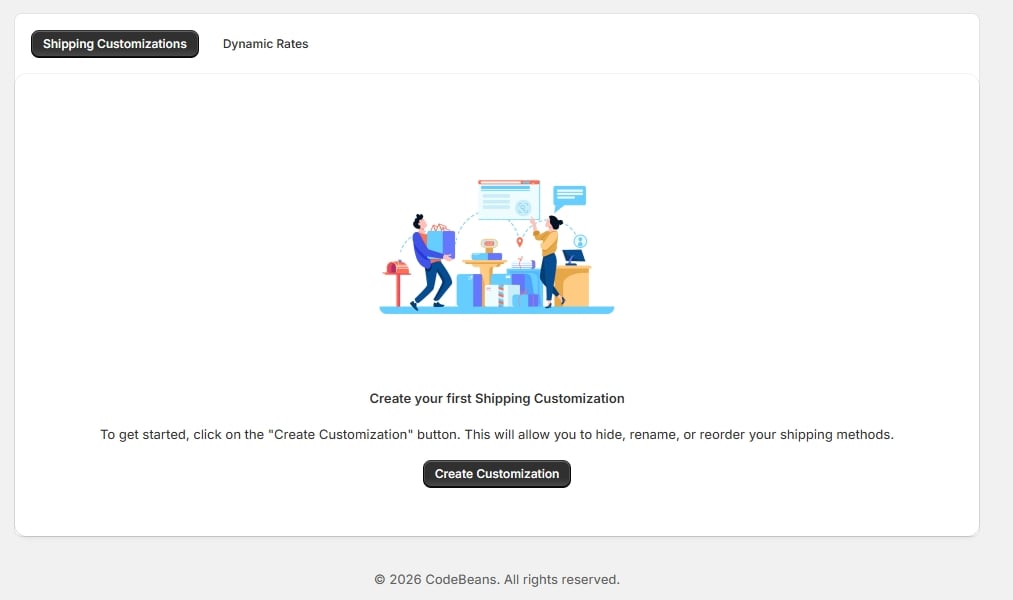
Shipping Customizations tab, empty state
Once you have rules
Each rule appears as a row with an Enabled toggle, so you can turn a rule off without deleting it.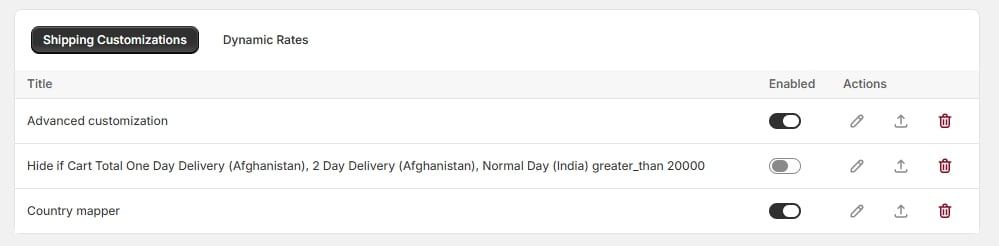
Three saved rules with enable toggles
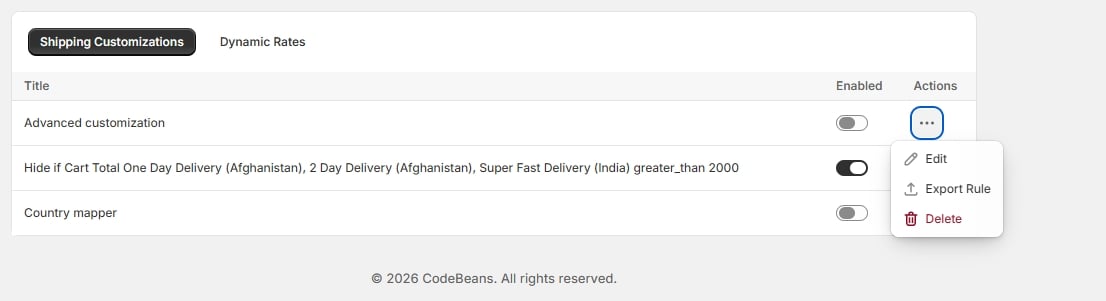
Row menu — Edit / Export Rule / Delete
- Edit opens the rule in the editor it was built with (Simple, Advanced, Country, Market, Customer Tag, or Customer Company).
- Export Rule downloads that single rule as a
.jsonfile — see Import and export. - Delete removes the rule and its underlying Shopify delivery customization — see Deleting a rule.
Dynamic Rates tab
Dynamic shipping rates are configured separately from the other rule types, in their own tab, because they work differently — they respond to a live carrier service callback rather than hiding/reordering/renaming existing methods.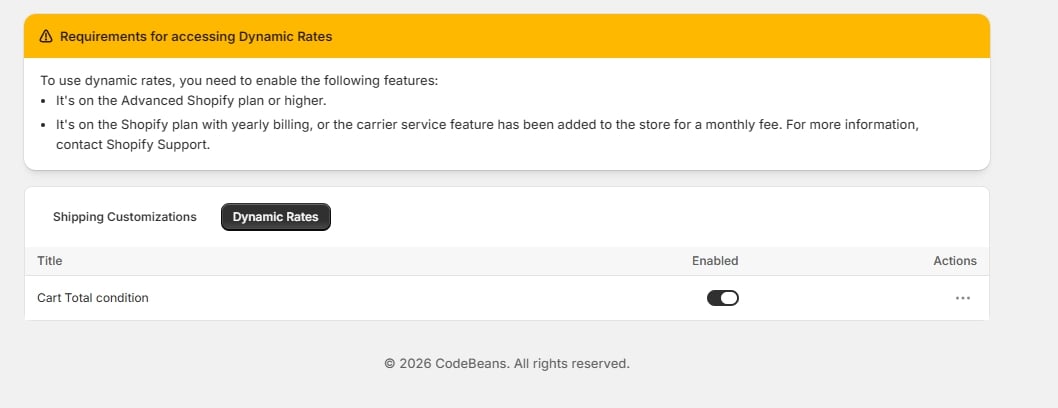
Dynamic Rates tab and requirements banner
You can save as many customizations as you like, but only 25 can be active and running at the same time.